
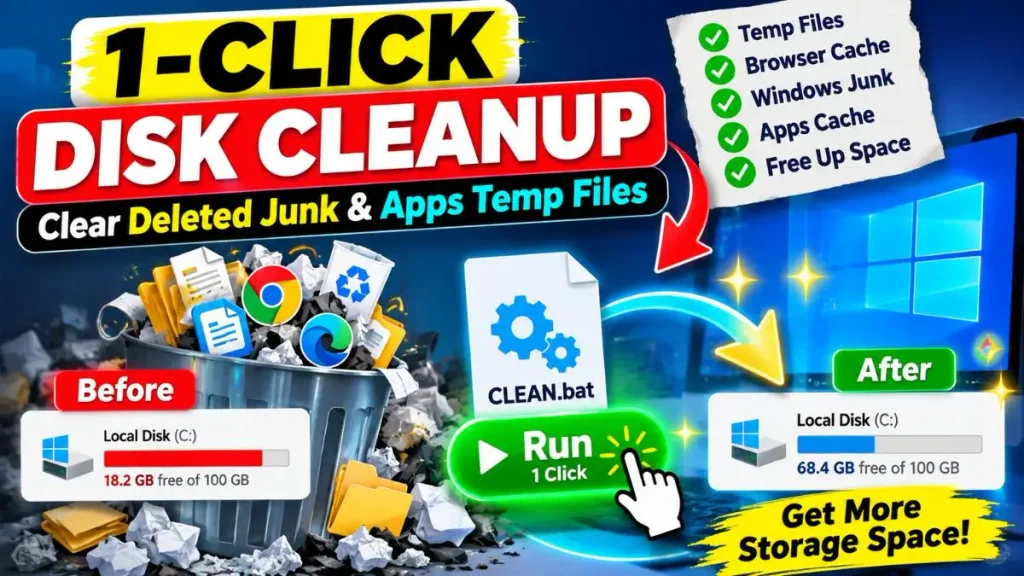
Is your Windows PC getting slower by the day and does the C: drive always show up as red? The “Low Disk Space” notification is nothing short of a nightmare. We all install heavy third-party cleaners to free up space, but they consume background RAM and make our PCs even slower. So today, I’m going to give you an elite tech solution! A simple 1-click disk cleanup batch (.bat) A script that will safely wipe out all the hidden Temp, Prefetch, and Cache files on your system. No extra software, no hidden ads. Just one click and your PC will be as fast as a rocket!
The Problem: Why Does the C: Drive Fill Up So Quickly?
Often people think they didn’t download any large file, so how did the C: drive get full? In fact, the Windows OS continuously generates “invisible” junk files in the background that we don’t notice:
- User Temp Files (%temp%): Whenever you run any software (like Chrome, Photoshop, or MS Word), it creates temporary files that aren’t automatically deleted after the task is complete.
- System Temp Files (C:\Windows\Temp): Temporary data created by Windows updates and system processes.
- Prefetch Data (C:\Windows\Prefetch): Windows caches your apps’ data to open them faster. After months, this folder can take up gigabytes of space.
If these folders aren’t cleaned in time, the hard drive’s read/write speed drops dramatically, causing the system to hang.
How to Run the Disk Cleanup Batch File
Let’s see exactly how to run this script so that no errors occur:
After downloading this zip file, right-click on it to extract it. A batch file will then appear inside. Right-click on that file and select “Run as Administrator.” (Admin privileges are required to clean system-level folders like Windows Temp and Prefetch).
Disclaimer: I have personally tested the Windows Batch (.bat) script provided in this article, and it is completely safe. However, before using any system-level troubleshooting tool, be sure to back up your important data. Run the script only by following the exact steps and selecting “Run as Administrator.” @TechWaleJha will not be held responsible for any unexpected errors or data loss.