In today’s digital age, whether you’re a gamer, an office worker, or a student, everyone needs a fast, error-free PC. But daily tasks, the buildup of temporary files, and background apps can slow down our system. Fixing these small problems manually wastes a lot of time and energy.
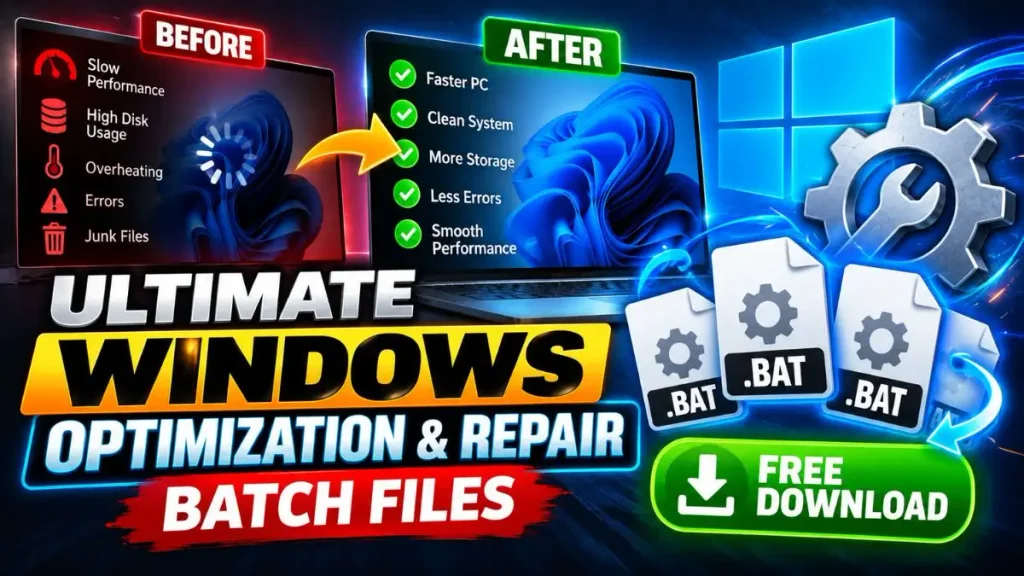
To solve this problem, I have prepared an ultimate collection of the most powerful and safe Windows Batch Files (.bat) here. With the help of these 1-click tools, you can boost your PC’s speed, fix errors, and complete hours of work in seconds.
What Are Batch Files and Why Are They Important?
To put it simply, a batch file is a small text file that contains specific instructions or commands for the Windows Command Prompt (CMD). When you double-click it, Windows automatically runs all of those commands at once.
Why are they necessary?
- Time Saving: A task that you do manually in 10-15 steps (like going into every folder to delete temp files), a batch file does the same task in 1 second.
- Automation: You don’t need to be a technical expert. The power of the command line is available to you with a simple double-click.
- No Extra Background Process: When you install third-party software, it consumes RAM and battery in the background. Batch files only run when you open them, and then they close.
Why Should You Download These Tools? (Benefits)
There are thousands of PC cleaner and booster software programs available on the internet, so why do you need these batch files? There are some solid reasons for this:
- 100% Lightweight & Bloatware-Free: These scripts are only a few KBs in size. They contain no hidden software, ads, or bloatware that could slow down your PC.
- Specific Problem, Specific Solution: If you only need to check battery health, why open the entire antivirus suite? Just run the ‘Battery Checker’ batch file and get the direct result.
- Safe and Transparent: You can right-click any .bat file and go into ‘Edit’ to see what code is written inside. They are completely safe and transparent.
- Gaming and Performance Boost: Tools like ‘Game Booster’ and ‘Speed Up’ instantly kill unnecessary background processes, giving you max FPS and a smooth experience during gaming and heavy tasks.
At a Glance: What You’ll Find on This Page
You can download any of the tools below according to your needs:
- Auto Delete Apps Temp & Disk Cleaner: Clean GBs of hidden junk and temporary files in your system with a single click.
- Auto Repair Tool & Frozen Screen Fixer: If Windows is freezing or showing errors, automatically repair system files.
- Game Booster & Speed Up: Use it before running heavy games to free up RAM and get ultimate speed.
- Battery Checker: Generate an exact report of your laptop’s battery health and cycle count.
- Bulk File Renamer & Folder Locker: Rename your files all at once and lock your private data without any additional software.
- Empty Folder Cleaner: Scan for and delete thousands of empty folders created in the system.
How to Use?
- Download your preferred batch file as a ZIP file using the button below.
- Then, right-click the file and extract it.
- Then, right-click on the extracted batch file and select “Run as Administrator” (some tools require admin rights for system-level changes, so you’ll need to do this).
- A CMD window will open, the tool will do its work, and then close automatically. That’s it, running it is that simple.