
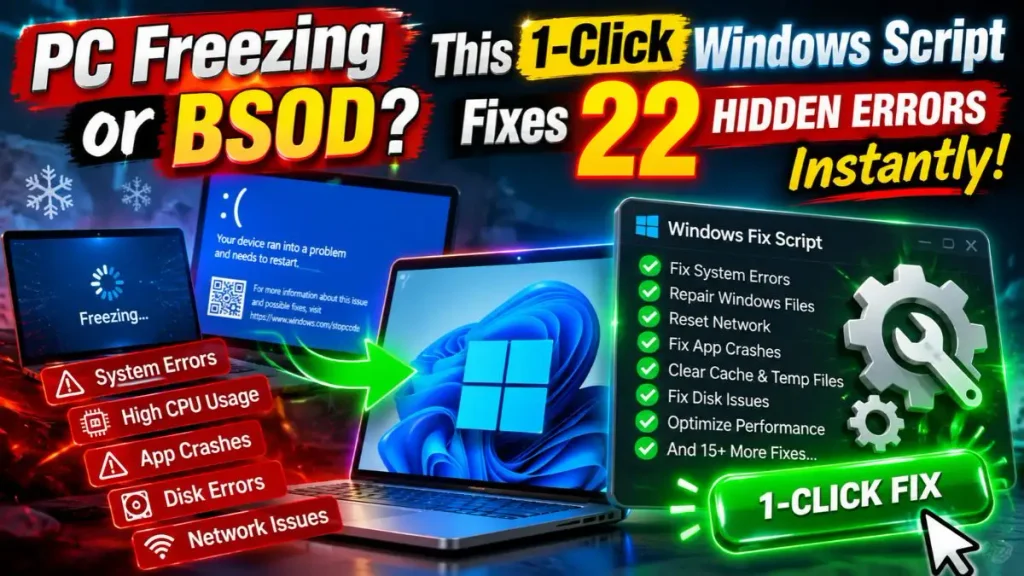
Does your laptop suddenly freeze in the middle of work? Or are you being bothered by Blue Screen of Death (BSOD) errors and the “No Internet” problem? For new users and even techies, opening CMD every time and manually typing complex commands like sfc /scannow, DISM, or ipconfig /flushdns is very frustrating and time-consuming. To eliminate this problem for good, I’ve designed a custom Windows Recovery Repair Toolkit batch script. This small file deep-cleans and repairs your system in the background—with just a single key press!
Why Does Your Windows PC Keep Crashing or Freezing?
Before moving on to this magical script, it’s important to understand why your PC keeps crashing or freezing. Windows is a very complex operating system, and there are 3 main reasons for problems to arise in it:
- Corrupt System Files (System32 Errors): When a Windows Update fails or the PC shuts down suddenly due to a power cut, the OS’s core files get corrupted. This is the main cause of a BSOD (Blue Screen).
- Corrupt DNS Cache & Network Stack: If your WiFi keeps disconnecting, it means your system’s TCP/IP protocol or Winsock catalog is corrupted.
- Junk Overload & Fragmented Registry: Over time, junk from caches, temporary files, and uninstalled software can clutter your C: drive and registry, causing the system to freeze (hang) unexpectedly.
The solution to all these problems is hidden in different commands. But now, you don’t need to remember anything!
Also Check This: 1-Click PC Speedup Script: Fix Slow Laptop & 100% Disk Usage Instantly
What Features Are Included in This Toolkit Script?
Our master script is a powerhouse of 22 different diagnostics and repair tools. Let’s understand these features according to their categories:
1. System Scan & Repair (Fix Corrupt Files)
This section directly targets corrupt Windows files. It integrates Microsoft’s official SFC (System File Checker) and DISM (Deployment Image Servicing and Management) commands. It automatically replaces corrupt files from Microsoft’s servers in the background. It also supports CHKDSK, which fixes bad sectors on your HDD/SSD.
2. Network & Internet Fixes (Solve WiFi Drops)
If your internet is repeatedly disconnecting or showing ‘No Internet’, this tool works like magic. It includes Flush DNS, Winsock Reset, and TCP/IP reset, which reset your PC’s network stack to factory settings.
3. System Diagnostics & Health (Checkup)
These options perform a full checkup of your PC. Whether you need to get advanced system info, check the health of your C: drive, or generate a ‘Battery Health Report’ for an old laptop—it’s all done with a single click.
4. Cleanup & Optimization (Boost Speed)
If your PC is running slow, it’s important to clean Temp files, Prefetch, and junk all at once. Additionally, if the screen freezes, this tool can refresh Windows Explorer without restarting the PC.
Also Check This: 1-Click Windows Auto Repair Tool: Fix BSOD & Missing DLL Errors Without Formatting
Download the 1-Click Windows Recovery Repair Toolkit Script (ZIP File)
Pro Tip: If you don’t want to get into the hassle of coding, errors, and Notepad, and want a completely ready-made, error-free tool, then I have already prepared this file for you.
You can safely download this 22-in-1 toolkit from my official web store (Superprofile). I have packed this network reset cmd script in ZIP format so that Google Chrome, Microsoft Edge, or Windows Defender don’t block it as “false-positive” malware. This file is 100% safe, heavily tested, and virus-free.
Conclusion
So friends, this is the ultimate lifesaver tool for every Windows user, gamer, and professional! Now you don't need to repeatedly call tech support or remember long CMD codes. This one small file holds the permanent solution to 99% of your PC's software and network issues.
Disclaimer: Friends, I have practically tested all the Batch (.bat) scripts provided in this article, and they are completely safe. Still, when making deep changes to the Windows Registry or CMD commands, always be sure to back up your important data. Use these scripts at your own risk. @TechWaleJha will not be held responsible for any unexpected errors or system crashes. Run the script exactly as per the instructions provided.