
If you are planning to launch a profitable SaaS business or enterprise video marketing software, integrating Google’s Veo AI is a massive opportunity. However, navigating cloud computing infrastructure, API integration, and cloud billing can be complex. Here is your complete guide to building a secure backend architecture, managing software development costs, and understanding the reality of promotional funds.
1. Cloud Computing Setup & API Generation
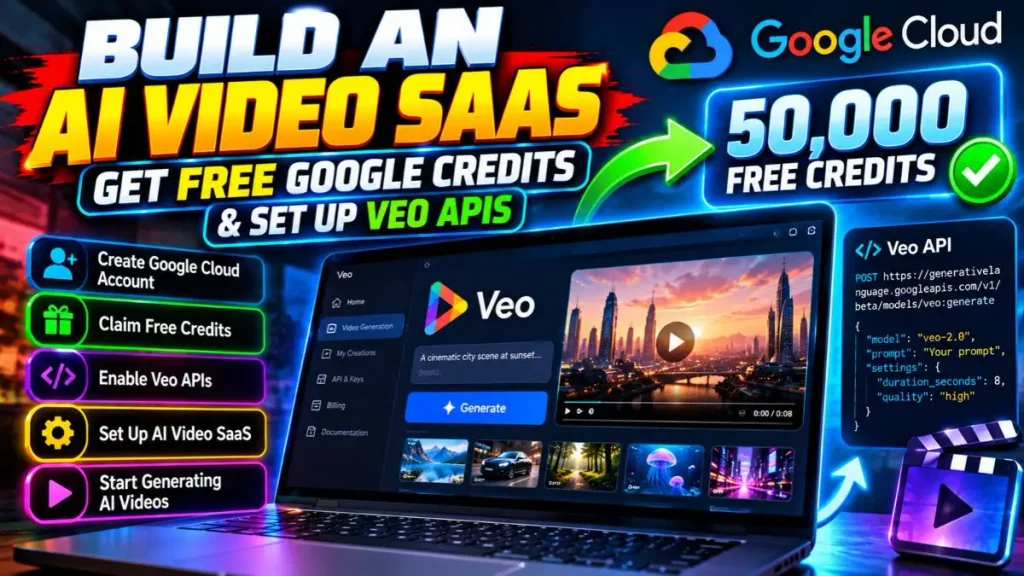
To begin your artificial intelligence development, navigate to the Google Cloud Console and create a new project (for example, veo-api-project). You do not need to create a new Google account for every development project. Next, access Google Cloud Billing to attach your financial account. Once configured, open Google AI Studio to generate your API Keys. In your dashboard, check whether you are operating on the Free Tier or Paid Tier. High-volume enterprise software requires upgrading to the Paid Tier for increased quotas.
2. Financial Management: The Truth About Cloud Billing
Many tech entrepreneurs search for ways to Get FREE Google Credits to fund their startups. Here is the financial reality: the famous $300 Google Cloud Welcome Credit cannot be used directly to pay for Gemini API or AI Studio usage. For API access, Google relies on a strict Prepay billing system (generally requiring a $5 minimum regional equivalent). While some eligible promotional cloud credits can be applied toward Gemini usage, they only activate after you establish an active prepay balance. Do not assume that a $300 Cloud credit translates into a $300 Veo API budget.
3. Enterprise Architecture & Data Security
If your goal is to build an AI video business, skip Google Flow (the consumer filmmaking interface) and utilize Vertex AI or the Gemini API for robust backend development. Your system architecture must prioritize cybersecurity. Never expose your API key directly in your website's front-end JavaScript. Malicious users can steal exposed keys and drain your financial resources. Instead, utilize backend security best practices by storing the key as a secure environment variable (export GEMINI_API_KEY="YOUR_API_KEY"). Your optimal cloud architecture should be: Client Browser → Your Secure Backend → Gemini/Veo API → Generated Video → Backend → User Download.
4. Software Integration & Scaling
Before deploying expensive video rendering tasks, test your software infrastructure. Install Google's Python SDK (pip install -U google-genai) and authenticate your systems. Because model availability, enterprise pricing, and access quotas differ, test basic models first before transitioning your codebase to Veo video generation.
5. Cost Monitoring & Spending Protection
Financial tracking is non-negotiable in cloud software monetization. Monitor your usage directly via the AI Studio Dashboard and Cloud Billing. Avoid running large automated batches (like 100 generations) blindly. The safest protocol is: run 1 generation → check the API cost → run 5 generations → check the cost → scale your application. Crucially, enable spending protection. Set a strict monthly budget cap (e.g., $10) to prevent unauthorized API spikes and massive server-side billing shocks.
6. Compliance Compliance & System Integrity
Avoid misleading tutorials claiming you can exploit the system for unlimited Veo access. You cannot manipulate server-side billing responses, bypass rate limits, or alter client-side values to fake credit balances. Focus on maintaining a clean, secure enterprise backend.
By leveraging these professional cloud computing strategies and strict financial management, your tech startup will be perfectly positioned to maximize ROI while safely scaling an innovative AI video platform.