
Is your Windows PC or laptop getting slower day by day? Sometimes the Wi-Fi disconnects, sometimes Windows Update gets stuck, and sometimes the system starts hanging. To fix these minor problems, we often install heavy third-party PC optimizers or antivirus software, which end up making our computer even slower.
But what if you didn’t have to install any software to do all these tasks? Today, I’m bringing you the “Ultimate Windows Technician Toolkit.” This is a small yet incredibly powerful Batch Script (.bat). With this single file, you can solve all your PC’s major problems with just one click. No installation, no background processes, and no annoying ads!
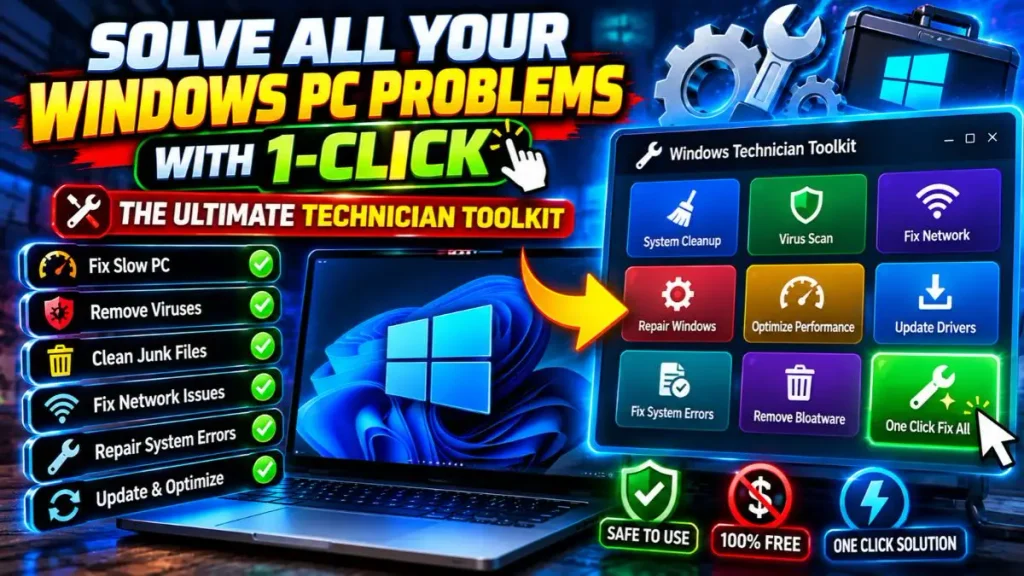
What’s in This Script? (Features of the Toolkit)
This toolkit is designed so that everyone, from a normal user to an IT professional, can benefit from it. It includes all of these amazing features:
- Quick Access Tools: No need to hunt for essential Windows tools like Command Prompt (CMD), PowerShell, Registry Editor, and Device Manager. Open them directly from the menu with a single click.
- 1-Click Junk Cleaner: This feature deletes all hidden junk files from your system’s %temp%, Windows Temp, and Prefetch folders in one go. It frees up your C: drive and boosts PC speed.
- Automated Network Repair: If your internet is running slow or keeps disconnecting, this tool will automatically flush your DNS and reset your IP to give your connection a fresh start.
- Corrupt File Repair (SFC Scan): Is your PC repeatedly crashing or hanging? This tool runs the built-in System File Checker and automatically finds and repairs corrupt OS files.
- Reset Windows Update (Fix Stuck Updates): If your Windows Update is stuck during download or showing an error, this new feature will stop all update services, clear the cache, and give the update a fresh start.
- God Mode Unlocker: With just one click, you can create a ‘God Mode’ folder on your desktop. Inside this folder, you’ll find over 200 of the PC’s hidden advanced settings all in one place.
Why Do You Need This Script?
You might be wondering why you need this. Here are some solid reasons:
- 100% Safe and Secure: This is not third-party software. This script only uses native Windows commands. It cannot contain any viruses or malware.
- Storage and RAM savings: It’s only a few KBs (kilobytes) in size. There’s no need to install it; just run it and close it. It doesn’t use any RAM in the background.
- Time-Saving: Tasks that take 15-20 minutes to do manually (like clearing the update cache or deleting junk) are completed in just seconds with this.
- Portable: You can keep this .bat file on your USB drive and use it instantly to fix any friend’s or client’s PC.
⬇️ COPY THE TOOLKIT HERE ⬇️
Click the button below to copy this script. (The file is hosted safely through Superprofile.)
(Note: After downloading the file, right-click on it and always select “Run as Administrator” so that all commands work correctly.)
Conclusion
Everyone likes to run a smooth and fast PC, and this “Ultimate Windows Technician Toolkit” is a perfect digital tool to keep your computer running like new. Give it a try, and you'll never need expensive PC optimizer software again! If you need any other new features in this tool, be sure to let us know in the comments below.
Disclaimer: This ‘Windows Technician Toolkit’ is a completely safe and transparent script, which only uses original (native CMD/PowerShell) commands from Microsoft Windows. It does not include any third-party software, malware, or hidden code. This tool is created for educational and PC troubleshooting purposes only. Although all these commands are safe, we always advise taking a backup of your important data before changing any system settings. The user will be solely responsible for any changes made to the system by using this script. Tech Wale Jha will not be held responsible for any data loss or system issues. Use this at your own risk and as a helpful utility.