
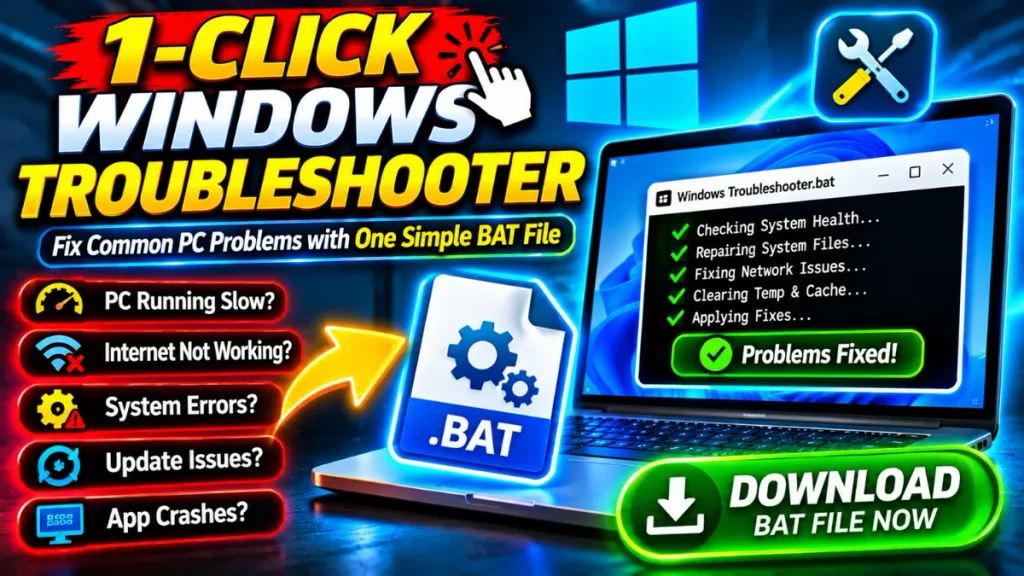
Are you facing common Windows problems like slow PC performance, internet connectivity issues, audio errors, or printer problems? Instead of searching for different solutions every time, you can use the 1-Click Windows Troubleshooter.
This free BAT utility brings multiple Windows troubleshooting options together in one simple menu, helping users perform common maintenance and diagnostic tasks without manually typing commands.
Why Is This Tool Important?
Windows users often encounter small technical issues that can interrupt their daily work. Finding the right solution can be time-consuming, especially for beginners.
The All-in-One Windows Troubleshooter makes these tasks easier by providing quick access to useful repair commands and diagnostic options in one place. Simply launch the BAT file, select the required option, and follow the on-screen instructions.
Key Features
Here are some useful features included in this Windows troubleshooting tool:
- Internet Fixer: Refresh IP settings, flush DNS, and reset network components.
- Temporary File Cleaner: Remove unnecessary temporary files to free up storage space.
- Windows System Repair: Run DISM and SFC scans to detect and repair system file issues.
- Battery Health Report: Generate a detailed laptop battery health report.
- Disk Health Checker: View available disk health information.
- Audio Fixer: Restart Windows audio services.
- Printer Fixer: Restart the Print Spooler service.
- Network Information: View detailed network configuration.
- DNS Cleaner: Clear the Windows DNS cache.
- Explorer Restart: Quickly restart Windows File Explorer.
- System Information: View important Windows system details.
Download All-in-One Windows Troubleshooter
Want to try this free Windows utility? Download the BAT file and keep it ready whenever you need to troubleshoot common PC problems.
Compatibility: Windows 10 and Windows 11
Note: Run with administrator privileges. Some repair operations may require a system restart. Review each operation before proceeding and keep important data backed up.
Conclusion
The All-in-One Windows Troubleshooter is a handy utility for Windows users who want quick access to common troubleshooting and maintenance commands. Whether you are dealing with network issues, temporary files, audio problems, or system file errors, this tool brings several useful options together in one convenient place.
Download it, keep it on your PC, and make everyday Windows troubleshooting a little easier!