
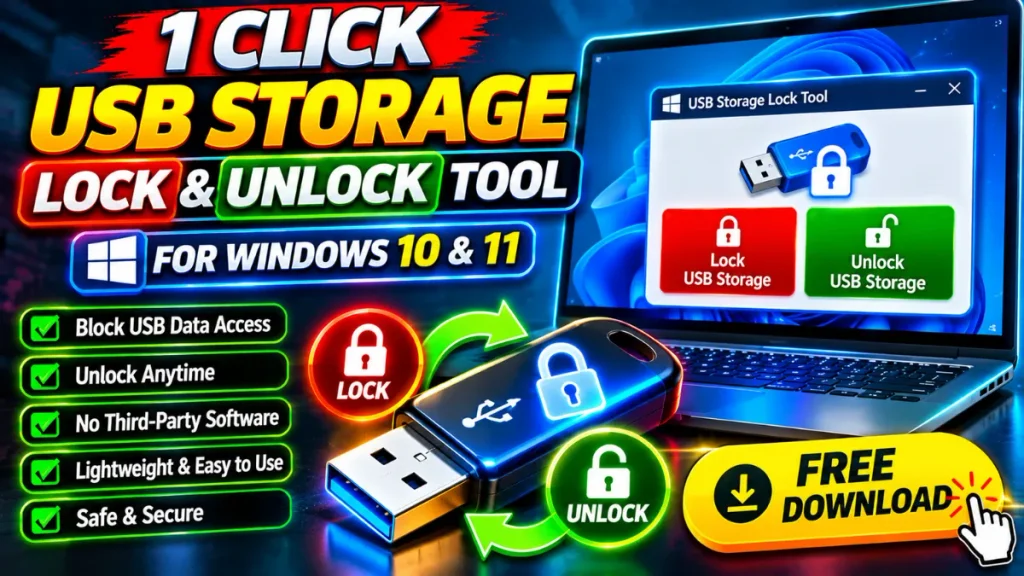
Want to control USB storage access on your Windows PC or laptop? The USB Storage Lock Tool is a simple and free Windows utility that allows you to enable or disable standard USB storage functionality using a password-protected BAT file.
With this lightweight tool, you can lock USB storage devices such as pen drives and supported external storage devices without installing any third-party software.
Whether you use a personal computer or a shared Windows PC, this tool provides a convenient way to manage standard USB storage access whenever required.
What Does This Tool Offer?
The USB Storage Lock Tool comes with several useful options:
- Password Protection: Enter your configured password before locking or unlocking USB storage.
- Lock USB Storage: Disable standard Windows USB mass-storage functionality.
- Unlock USB Storage: Enable USB storage functionality whenever needed.
- USB Status Checker: Check whether the USBSTOR setting is currently enabled or disabled.
- No Installation Required: Run the tool directly using a BAT file.
- Simple Interface: Easy-to-use menu with four options.
- Windows Compatibility: Designed for Windows 10 and Windows 11.
Why Download This USB Lock Tool?
If you frequently share your computer with others, you may want to restrict standard USB storage access when it isn’t needed.
This tool helps you manage that setting through a simple interface. You don’t need to open Registry Editor and manually modify the USBSTOR value every time.
Just run the BAT file as Administrator, enter your password, and select your preferred option.
Download USB Storage Lock Tool
Ready to try this tool?
Click the download button below to get the USB Storage Lock Tool ZIP package. Extract the downloaded file, customize the default password, and run the BAT file as Administrator.
File Information:
- Tool Name: USB Storage Lock Tool
- File Format: ZIP (contains BAT file)
- Platform: Windows 10 & Windows 11
- License: Free to Use
- Installation: Not Required
- Administrator Permission: Required
Important Note: This tool controls standard Windows USB mass-storage functionality. It does not disable all physical USB ports or provide complete protection against administrator-level access. The password is stored in plain text inside the BAT file. Already connected USB storage devices may require reconnection or a restart.
Final Words
Take better control of USB storage access on your Windows PC with this free and easy-to-use utility.
Download the USB Storage Lock Tool today and manage USB storage access whenever you need it!
For more free Windows tools, useful BAT files, and PC tutorials, visit Tech Wale Jha.