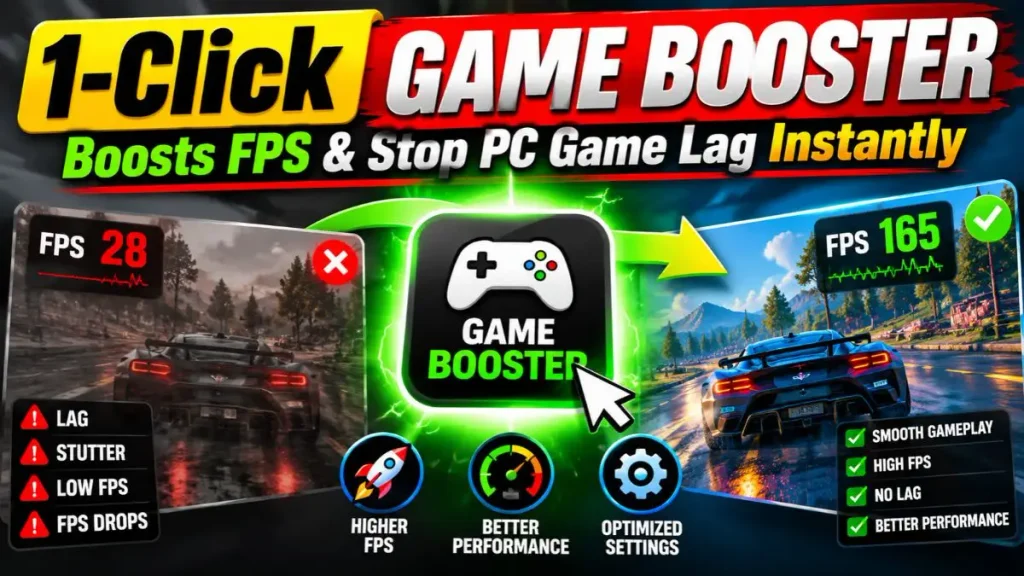
Have you ever been in the middle of an intense clutch situation in Valorant, a BGMI emulator, or a high-speed chase in GTA 5, and your screen suddenly starts to stutter? These sudden FPS drops and lag are enough to ruin any gamer’s mood, and often we end up quitting the game in frustration halfway through. We immediately start blaming our GPU or processor, thinking our system is outdated. But the real truth is the problem isn’t with your hardware—it’s with Windows’ memory management! In this article, I’ll give you a powerful one-click Game Booster script that instantly frees up your RAM and stabilizes your ping, all without any heavy third-party apps.
The Real Reason Your PC Lags During Intense Gaming
When you turn on your PC, several memory-hogging apps start running in the background. Apps like Google Chrome tabs, Spotify, Discord, and cloud sync apps like OneDrive continuously consume your available RAM and disk processing power.
The result? When you launch your favorite heavy game, there isn’t enough free memory (RAM) left for the system to render the game smoothly. This RAM bottleneck is the main cause of screen stuttering, micro-stutters, and extreme frame drops. Opening Task Manager and closing these apps one by one before every gaming session is very time-consuming and frustrating.
Also Check This: 1-Click Hibernate Space Saver Script: Instantly Free Up C Drive Storage
Why Avoid Third-Party Game Boosters?
There are many third-party software programs on the market, like Razer Cortex or Smart Game Booster, that claim to increase FPS. But as a smart gamer, you should understand what these “magic” boosters actually do.
The truth is that these heavy software programs run in the background themselves and consume system resources (CPU/RAM). Instead of cleaning your PC, they put even more load on your hardware, which can further degrade performance. In addition, they often have hidden ads and bloatware.
That’s why our custom RAM cleaner script for gaming is the best solution. It’s extremely lightweight, uses zero background processes, and is 100% transparent.
How to Use This Tool Before Gaming?
- Extract the downloaded ZIP file.
- Place the Game-Booster.bat file on your Desktop.
- Just before launching your game, Right-Click on this file and select “Run as Administrator” (So that temp files and DNS can be successfully flushed).
- A black screen will appear and your RAM will be cleared in 2-3 seconds. That’s it, now open your game and enjoy smooth FPS!
Download the Ready-Made 1-Click Game Booster Script (ZIP File)
If you don’t want to get into the technical steps of Notepad and coding and want a completely error-free, ready-to-use tool, then there’s no need to worry. I have already prepared this .bat file for you, which you can directly place on your Desktop.
Why is this Game Booster tool saved in ZIP format?
A common problem often occurs where whenever you directly download a .bat (Batch) file from the internet, Google Chrome, Edge, or Windows Defender flags it as a “harmful file” mark it as a “harmful file.” This is called a security false-positive. To avoid this problem and keep your downloads smooth, I have securely packed this file into a ZIP folder. This tool is 100% safe, contains no viruses, and does not install any third-party bloatware on your PC.
Level Up Your Gaming Experience Today!
You'll notice for yourself what a huge difference a small system-level script can make in your heavy gaming performance after using this tool. Uninstall third-party bloatware and take back control of your PC. If this 1-Click Game Booster has fixed your lag and boosted your FPS, be sure to share your experience in the comments below. Share this trick with your friends and stay connected with the @TechWaleJha handles for more advanced technical guides. Happy Gaming!
Disclaimer: Friends, the Custom Windows Batch (.bat) mentioned in this article Script works at a system level. I have personally tested it and it is 100% safe. Still, before running any script, save your important unsaved work (like Word/Excel files). Make any unknown changes to the system CMD or Registry at your own risk.